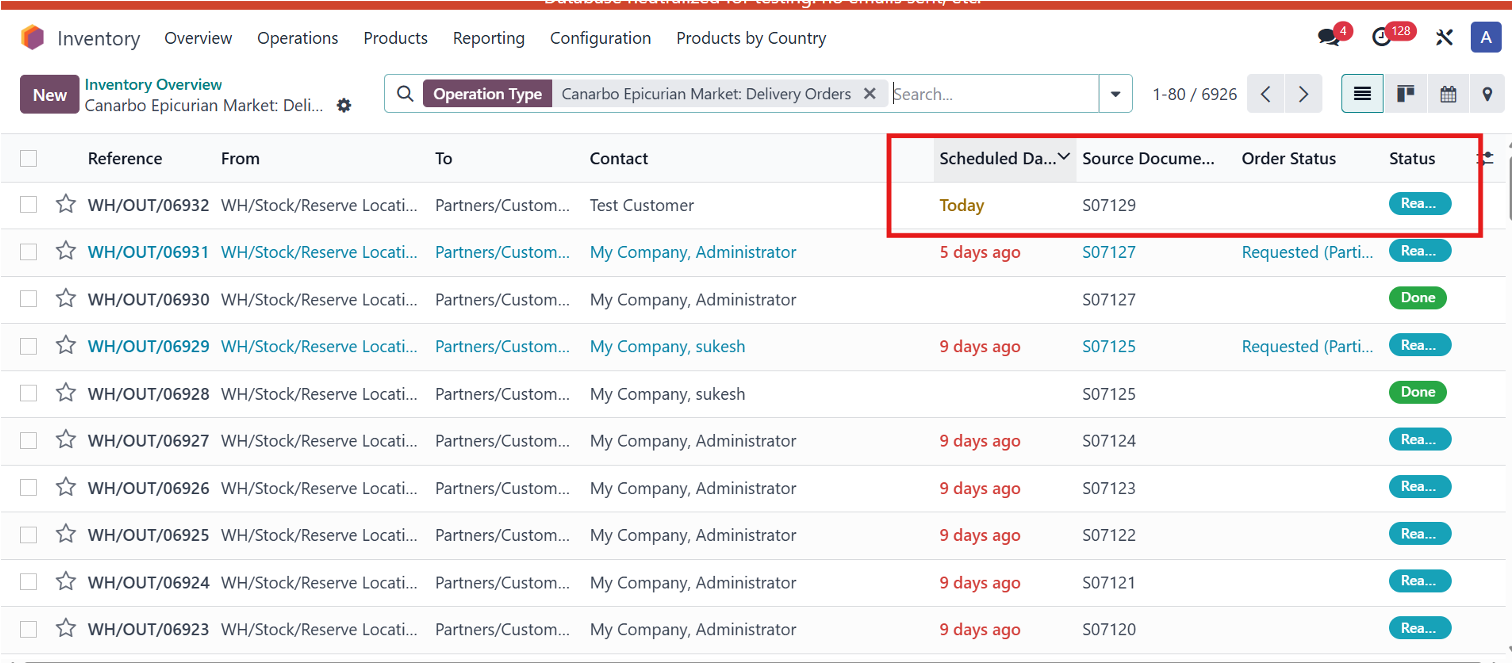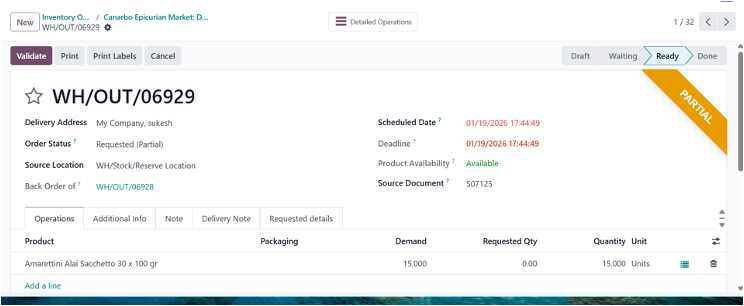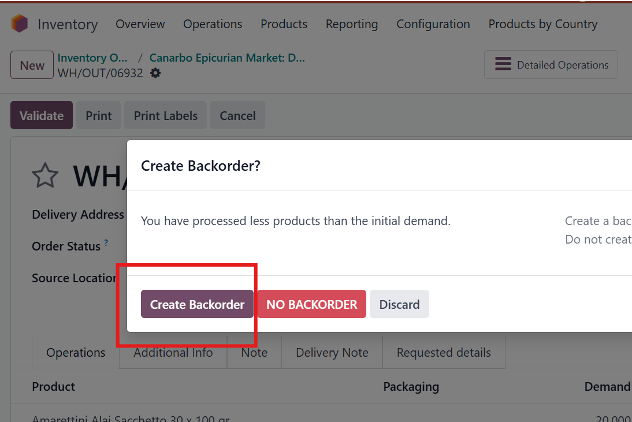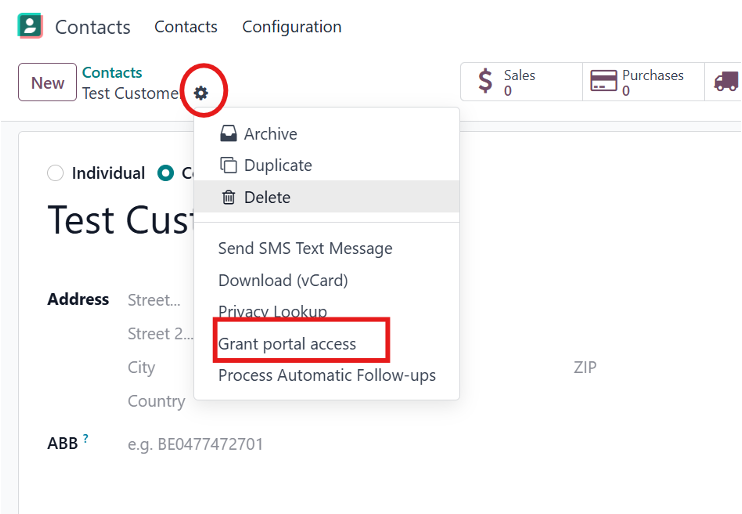
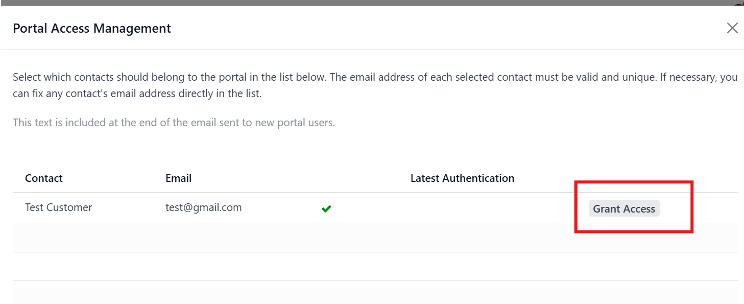
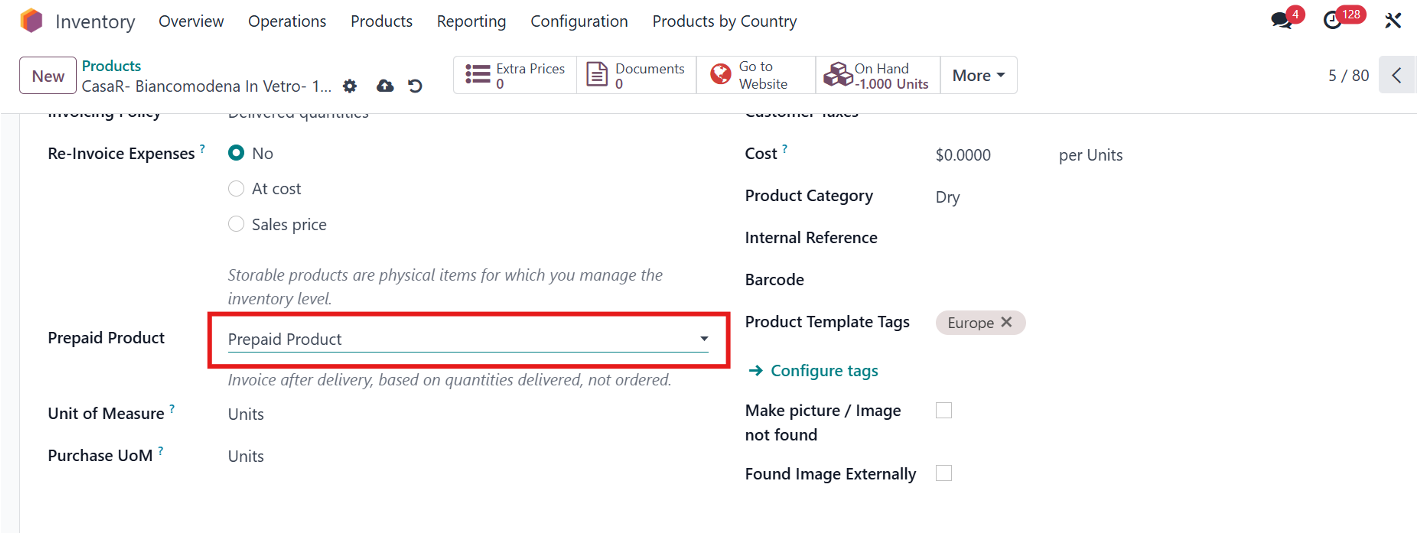
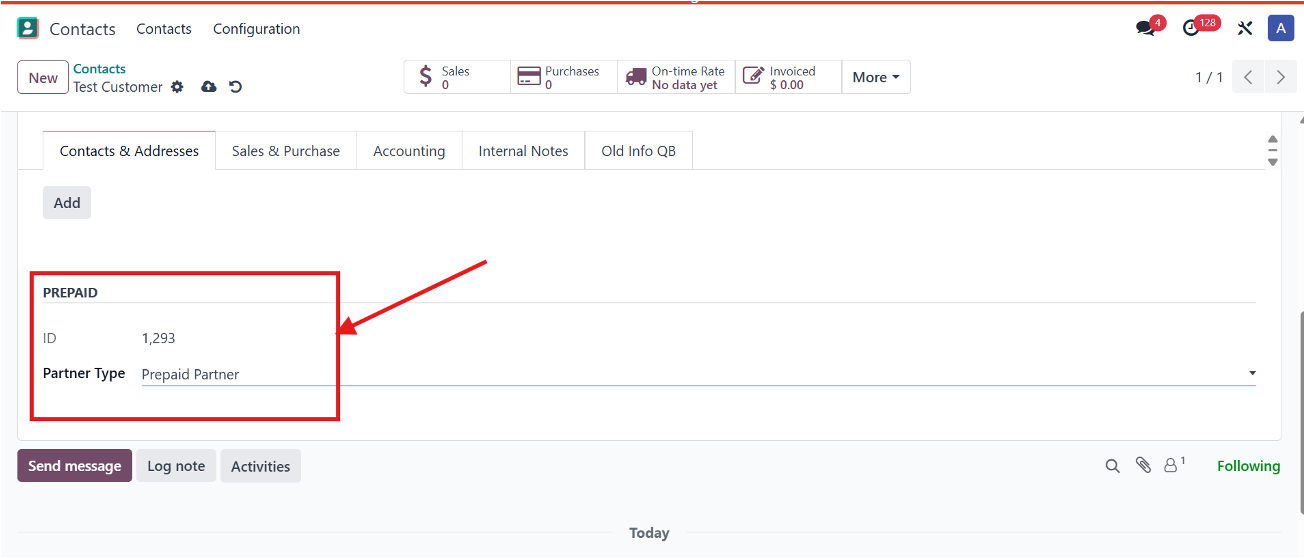
Customer SOP / Order placing from website
Step 1: Login and access shop
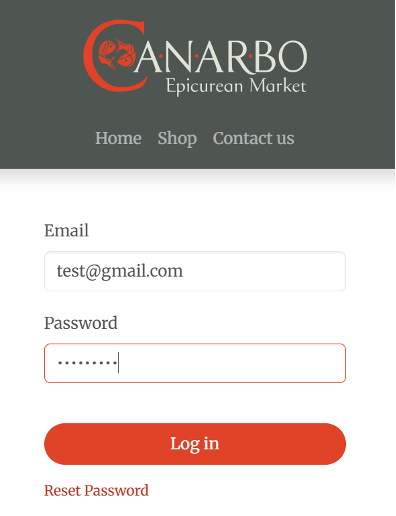
- Navigate to the URL and log in.
- Click on the Shop menu.
Step 2: Add required products
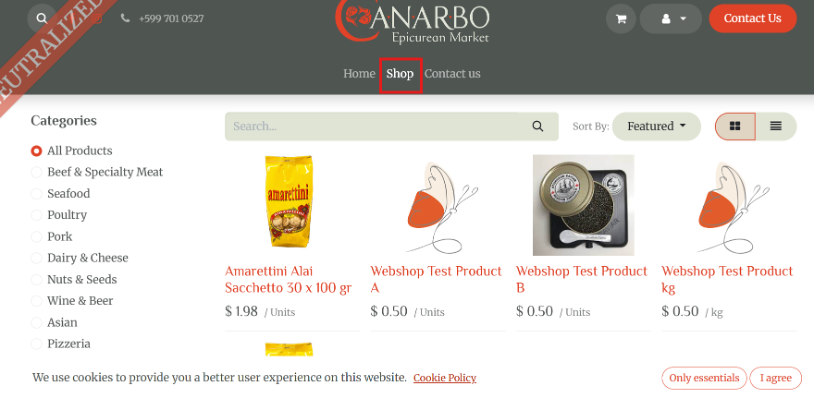
- Select products and click Add to Cart.
Step 3: Checkout and pay
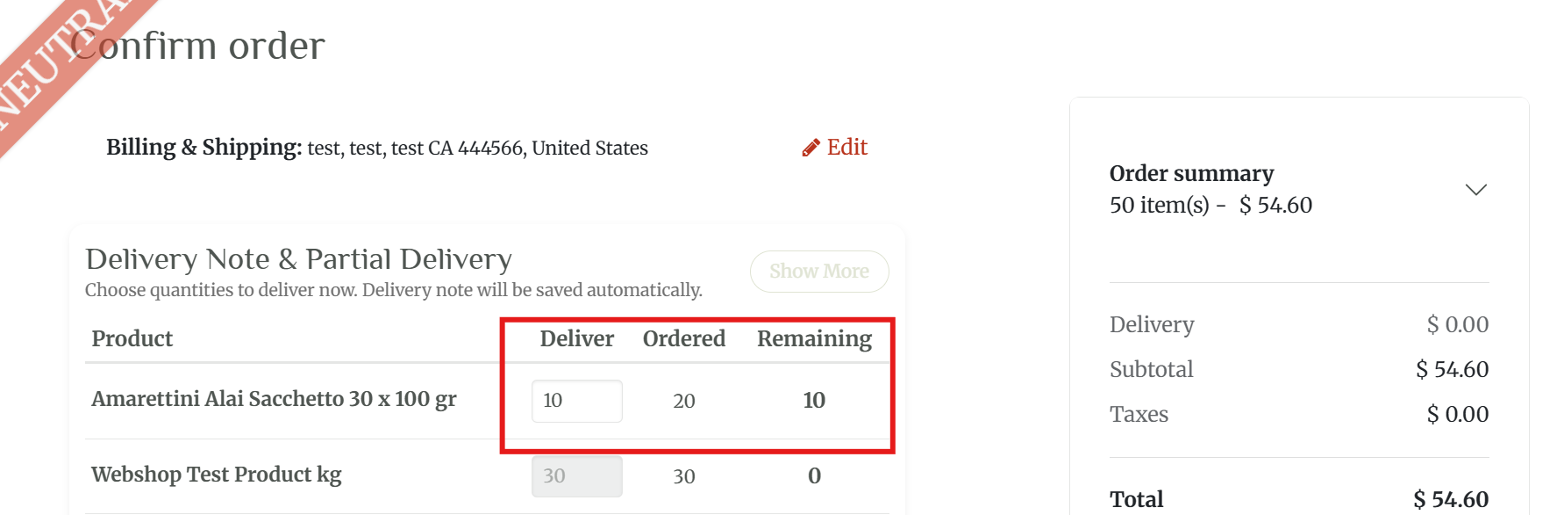
- Edit the "Deliver" field for partial requests.
- Click Checkout.
Step 4: Request prepaid balance
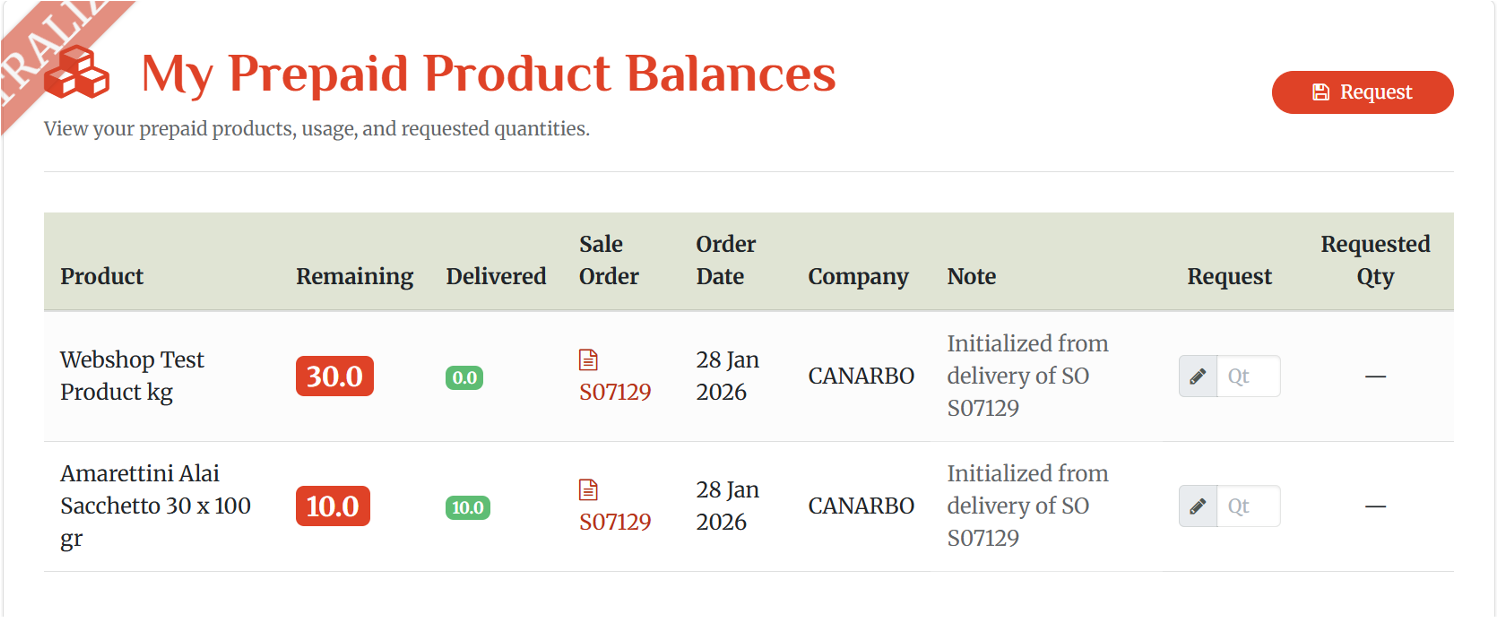
- Click on My Prepaid Balances.
- Click Request to redeem items.